
Transfers
Transfer history
Track active transfers and drill into completed batches with per-file detail.
Updated on Sep 12, 2026 Plugin v0.1.5
Two views
The bottom panel of the Transfer tab is the Transfer History. It has two views:
- Active transfers — files currently queued or in progress, with their status and progress.
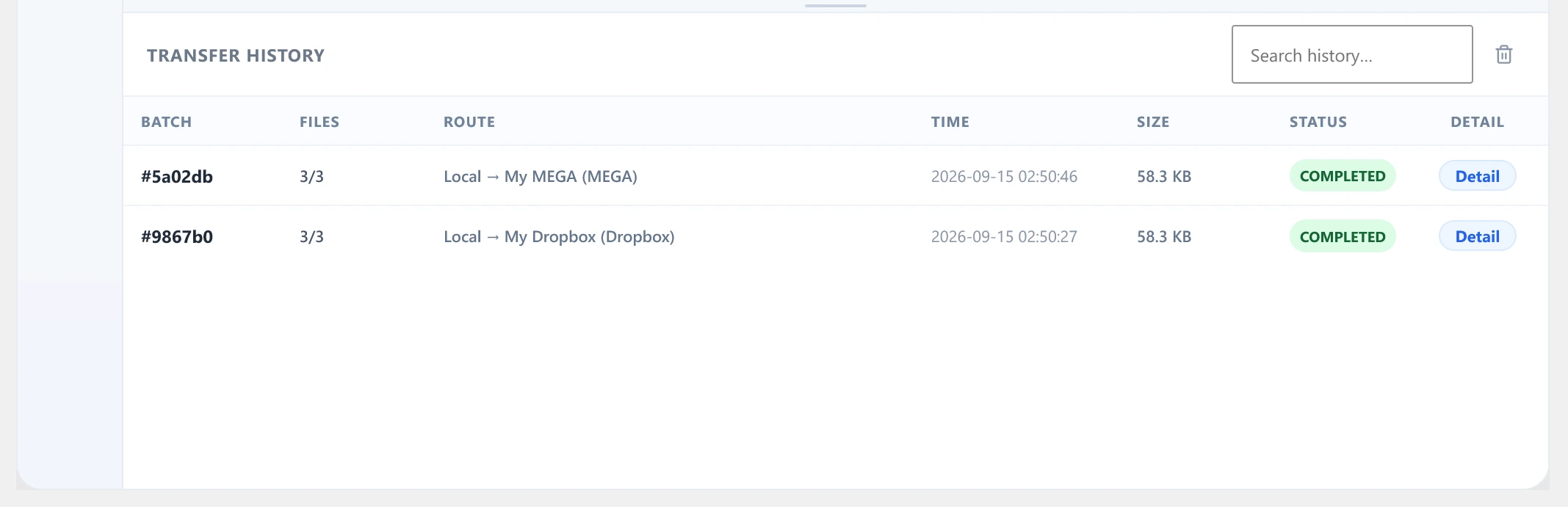
- History — completed batches with columns for Batch, Files, Route (source → destination), Time, Size, and Status.
Batch detail
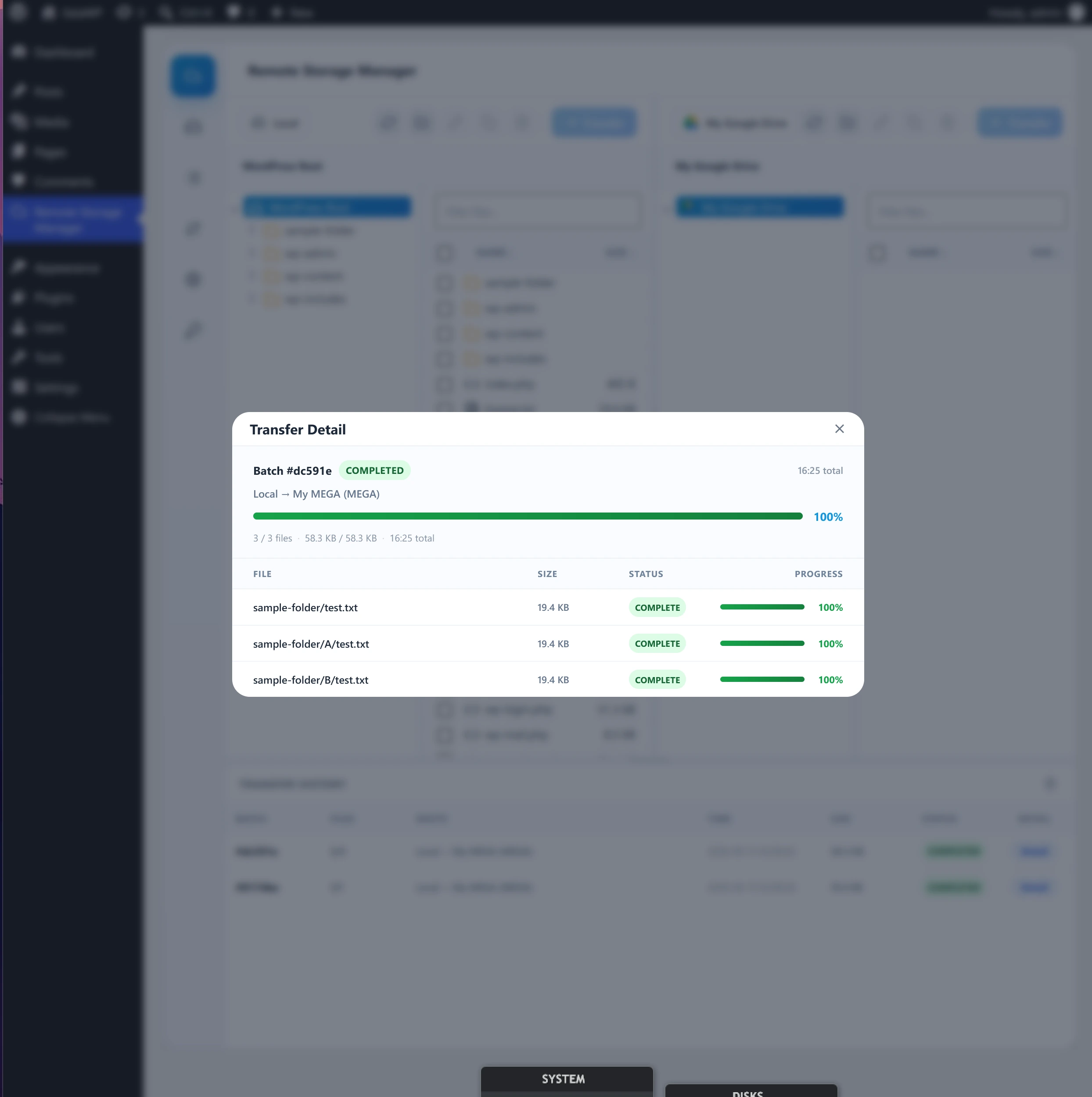
Each history row has a Detail action that opens a popup with the full per-file breakdown for that batch — file name, size, status, and progress — plus overall summary, route, elapsed time, and average speed.
Clearing history
Use Clear history in the history header to remove past batches from the list.
Note: clearing history only removes the batch records shown in this panel — it never deletes files from local or remote storage.