
Providers & accounts
Managing accounts
Rename, re-authenticate, or remove connected accounts without touching your remote files.
Updated on Sep 12, 2026 Plugin v0.1.5
The Accounts grid
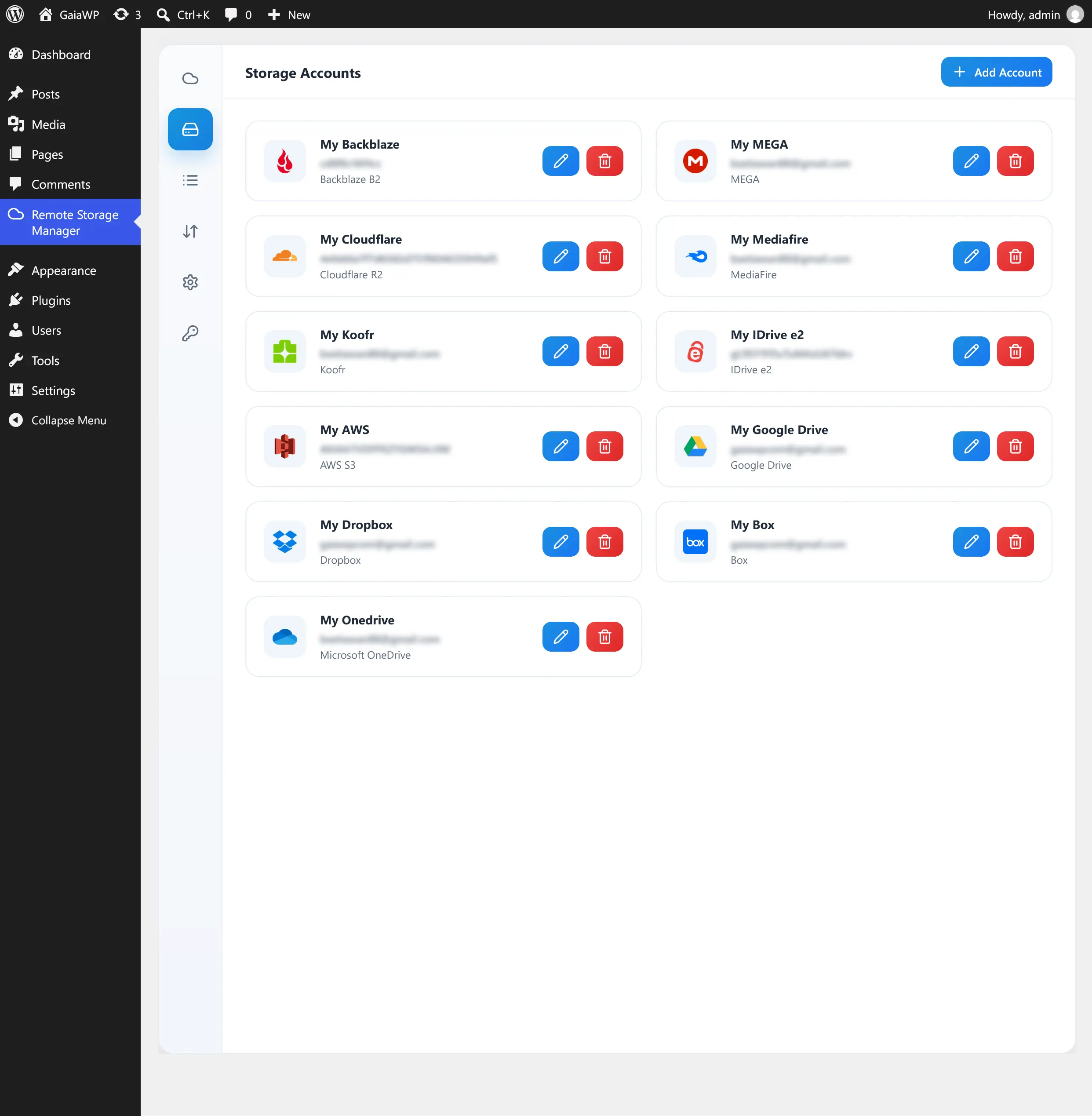
On the Accounts tab, each connected account is shown as a card with its provider logo, label, and connected identity.
| Action | Description |
|---|---|
| Add Account | Open the provider picker and connect a new account. |
| Edit (pencil) | Change the account Label or update credentials, and re-authenticate OAuth accounts. |
| Delete (trash) | Remove the account and its stored connection. |
Re-authenticating OAuth accounts
For OAuth accounts, the edit form includes a Sign in action to re-authenticate if the connection expires. If the re-auth session has expired, a notice asks you to sign in again — no duplicate account is created.
Deleting an account does not delete files. It only removes the stored connection from WordPress; the remote storage stays untouched.